
Managing your billing and payments just got easier!
With convenient online options, you can:
- View your bill
- Understand what you owe
- Make secure payments anytime
Follow the steps below to navigate online payments quickly and easily.
View your bill summary
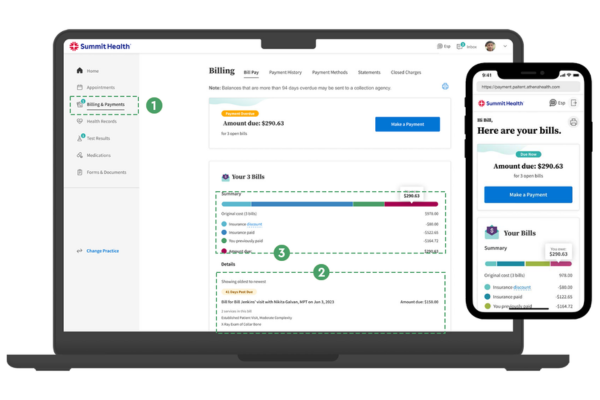
The bill summary is the go-to-destination for understanding your outstanding balance and make a secure payment. Here you can:
- See any open or past-due bills.
- View a breakdown of each bill included in your balance and the services included in each bill.
- View an at-a-glance overview of all your open bills in a graph that outlines the total original cost, what was covered by insurance, and what you owe.
There are multiple ways to pay your balance
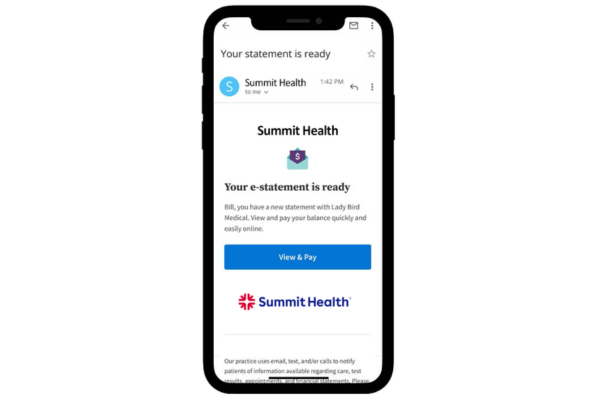
Check your e-mail
Check your inbox for e-mails from Summit Health including balance updates and payment information. These emails will include a link or button directing you to make a secure online payment.
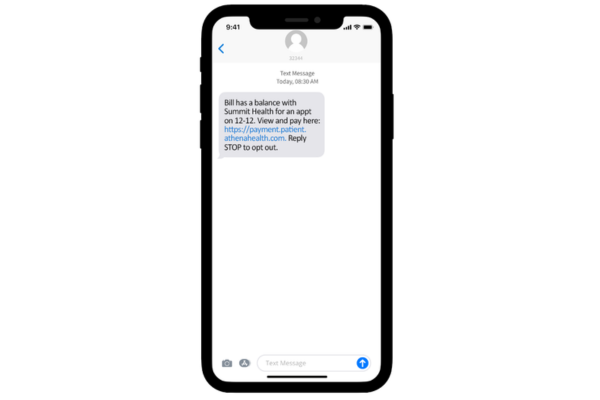
Opt-in to receive text messages
If you opt into text messaging, Summit Health, may send you payment and billing notification text messages which include a secure link to make a payment right from your phone.
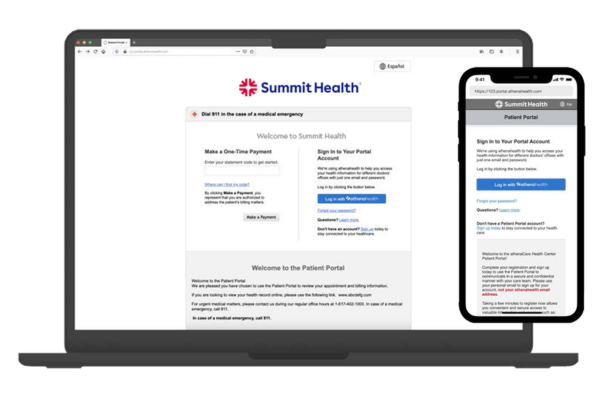
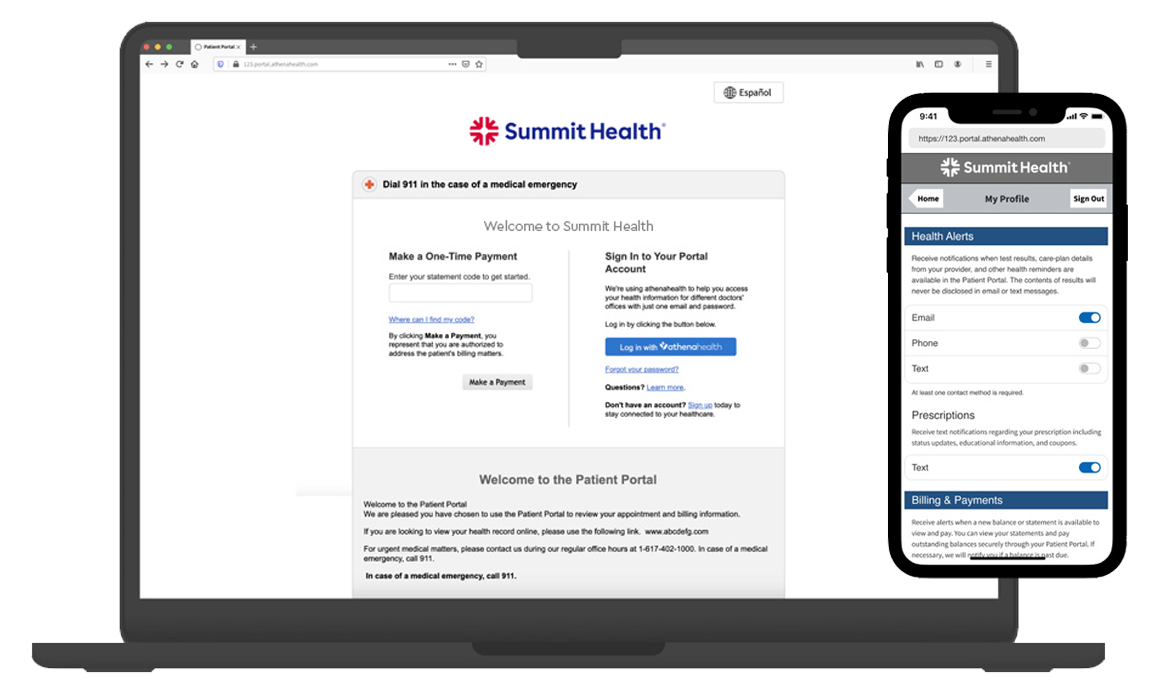
Log into your patient portal
You can access your bill summary and make payments by simply logging into your Patient Portal account. As soon as you log in with your username and password, navigate to the “Billing & Payments” tab to view your bill and make a payment.
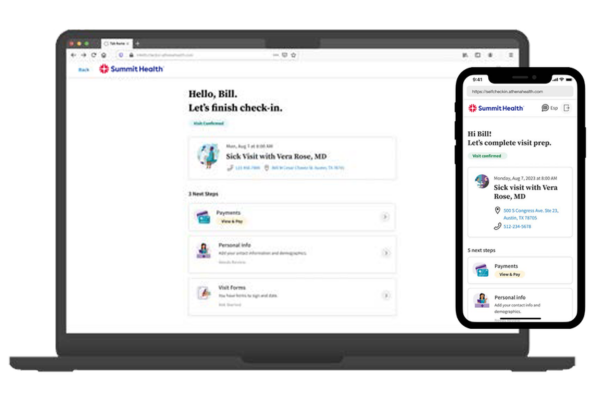
Online self check-in
When you complete Self Check-in ahead of your appointment, you can take care of your copay, saving you time during your visit. You can also make payments towards any outstanding balance. The “Payments” card on the landing page will drive you to your bill summary where you can make a payment.
Look for your statement in the mail
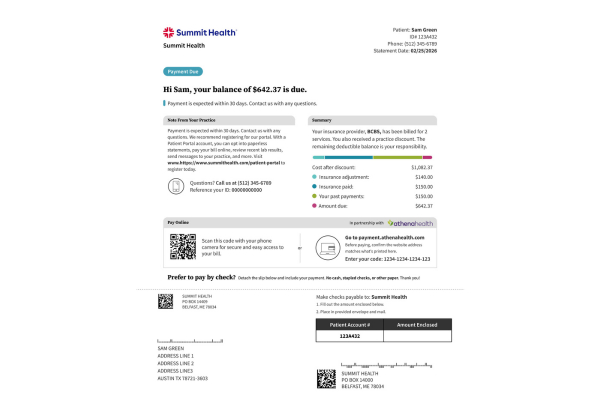
If you receive paper statements in the mail, you’ll find instructions right in the statement for how to easily submit an online payment.
 Tip: Keep your contact info and notifications up to date
Log in to your Patient Portal account, go to the drop-down menu under your name, and select “Notification Settings.” From there, you can update your contact information or opt in for paperless statements.
Stay connected and never miss an important update!